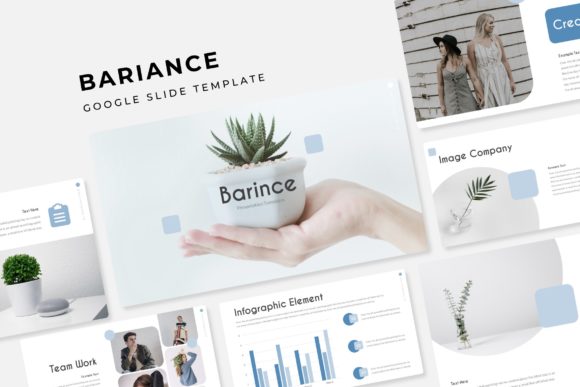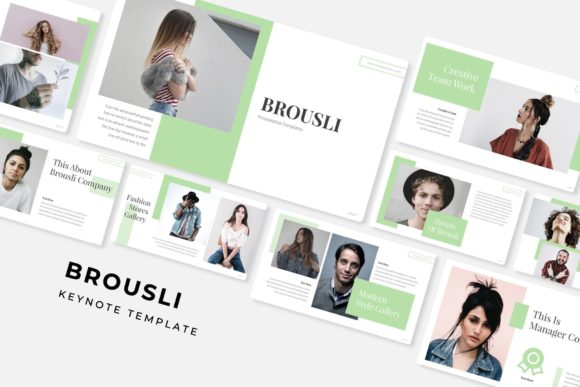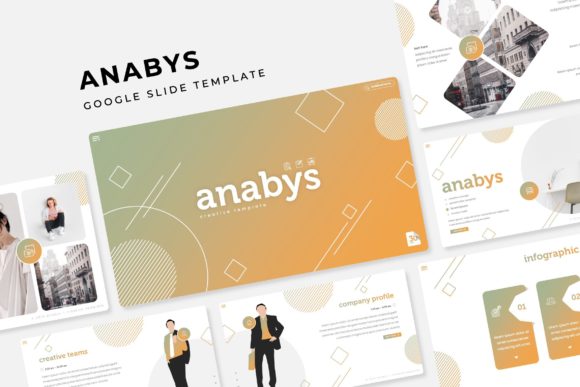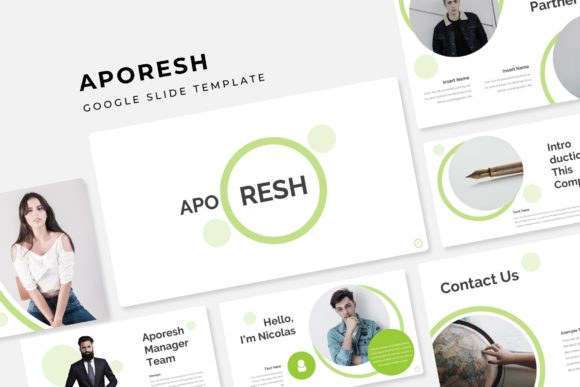
Master Your Next Pitch with the Neo Project Template
There is a specific kind of frustration that sets in around slide 15 of a presentation design. You know the story you want to tell, and you have the data to back it up, but the visual layout starts to fall apart. You find yourself fighting with text boxes that won't align, trying to match a shade of blue you used three slides ago, or struggling to make a complex infographic fit into a generic placeholder. For designers, entrepreneurs, and marketing professionals, this technical friction is the enemy of creativity. It shifts your focus from strategy and storytelling to pixel-pushing. This is exactly the gap the Neo Project Power Point Template was built to bridge. It is not merely a collection of pre-made slides; it is a comprehensive design system built for those who demand a high-end aesthetic without the high-end production timeline.
A Design System, Not Just a Slide Deck
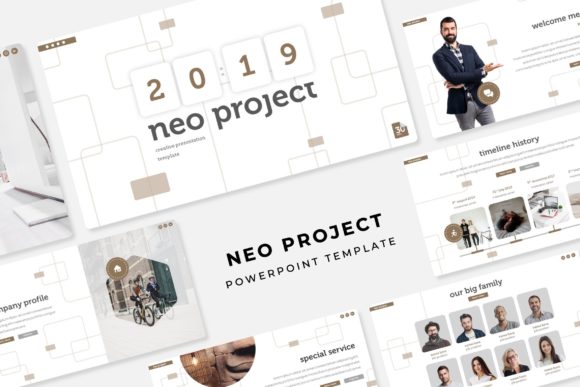
What separates a standard template from a professional design asset is the underlying architecture. The Neo Project is built on the concept of modularity and color theory, offering 150+ total slides divided across five distinct, premade color palettes. This structure acknowledges a fundamental truth about modern branding: context matters. The visual language required for a corporate financial report is vastly different from what is needed for a creative agency pitch or a minimalist portfolio review.
By providing 30 unique slides for each of the 5 color variations, this template ensures that you are not just changing the background color of a static file. You are accessing a curated visual environment. For instance, if you are working on a branding proposal for a luxury client, you might opt for a deep, high-contrast color variation. Conversely, a tech startup might require a palette that feels energetic and modern. This versatility makes the Neo Project an essential part of your design assets library, allowing you to pivot your visual strategy instantly based on the client or audience.
Pixel-Perfect Precision and Workflow Efficiency
For the busy creative, time is the most expensive currency. The Neo Project is engineered to streamline your workflow through features that prioritize speed without sacrificing quality. The foundation of the template relies on Master Slides. This means that global changes—such as adjusting fonts or altering layout structures—can be applied instantly across the entire deck. This eliminates the tedious process of editing individual slides and ensures absolute visual consistency, a cornerstone of professional brand identity.
Furthermore, the template embraces modern design workflows with resizable and editable graphics. Unlike rigid templates where vector elements are locked or flattened, Neo Project allows you to manipulate shapes, icons, and charts to fit your specific data. The inclusion of a drag & drop picture placeholder system is particularly beneficial for those creating social media graphics or portfolio presentations. You can simply drag your high-resolution photography into the designated area, and the template automatically crops and fits the image to the frame. This feature alone can cut production time in half, allowing you to focus on the narrative arc of your presentation.
Visual Storytelling Through Infographics and Layouts
Data visualization is often the weak point of many presentations. Standard charts can look dated, and complex data sets often become illegible when crammed into small spaces. The Neo Project addresses this with handcrafted infographics. These are not generic Excel charts pasted into PowerPoint; they are bespoke vector illustrations designed to make data digestible and engaging.
Whether you are presenting market research, workflow processes, or financial projections, these infographics help improve readability and audience engagement. By breaking down complex information into visual metaphors, you help your audience retain information more effectively. Additionally, the inclusion of dedicated Section Break Slides allows you to pause the narrative and transition smoothly between topics, giving your audience a mental breather while maintaining a professional cadence.
The template also includes specialized layouts for Gallery and Portfolio slides. For creatives—such as photographers, interior designers, or UI/UX developers—these slides are critical. They provide a clean, grid-based framework to showcase work without the distraction of excessive borders or text. The pixel-perfect illustrations ensure that whether you are viewing the deck on a laptop screen or projected onto a large wall, the edges remain sharp and the typography crisp.
Practical Applications Across Industries
The utility of the Neo Project extends far beyond the boardroom. Its clean lines and modern typography make it a versatile tool for a variety of commercial and creative applications.
- Marketing Assets & Sales Decks: Use the structured layouts to create compelling sales pitches that guide the client from the problem statement to your proposed solution.
- Editorial Design: For bloggers and content creators, the slides can be exported as high-resolution images to serve as web design elements or long-form social media carousels on platforms like Instagram and LinkedIn.
- Digital Products: Entrepreneurs selling online courses or workshops can use the template to build professional slide decks that add perceived value to their educational products.
- Internal Communication: Small business owners can utilize the template for monthly all-hands meetings, ensuring that internal communications carry the same level of polish as external marketing materials.
The ability to adapt the file for packaging design mockups or poster layouts (by exporting specific slides) adds another layer of utility, making it a true multi-purpose asset.
Finalizing Your Project: Fonts and Licensing
A design is only as good as its typography. The Neo Project utilizes a premium font pairing strategy that balances modern aesthetics with legibility. Recognizing that licensing can be a hurdle for many creators, the package includes a Readme First document with direct links to download the free font used in the design. This ensures you can replicate the exact look of the preview without purchasing expensive commercial licenses for the typeface itself.
However, it is important to note the distinction between the template file and the imagery. The photographs or pictures used in the preview are intended for illustration purposes only and are not included in the download. This is standard practice in the design asset world, as it keeps the file size manageable and allows you to insert your own brand-specific photography, which is always more effective than stock imagery.
When you download the package, you receive 5 PPTX Widescreen files. It is highly recommended to review the "Readme" file first to ensure your fonts are installed correctly before opening the presentation. By leveraging the Neo Project Power Point Template, you are equipping yourself with a tool that bridges the gap between amateur slideshows and professional visual communication, ensuring your next project is not just seen, but remembered.